Turn a product photo into a video
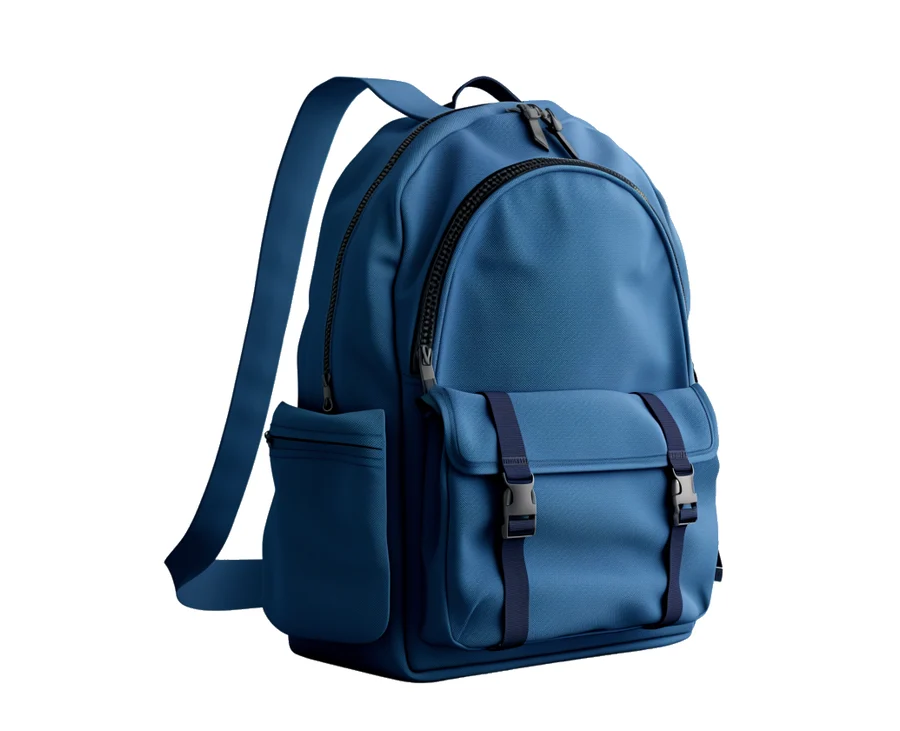
One photo is enough to start. Your photo shows the model what your product looks like; your words say what happens to it.
How it works
Add the photo
One clear photo works. More angles help the model get the details right.
Say how it moves
Packed, poured, worn, spun, or shown in use.
Download the video
An MP4 for your store page, your ads or your posts.
What you can make
- Your product in motion for your store page
- Ads for TikTok, Instagram and YouTube
- Lifestyle scenes with your product in use
- Product pictures too, with GPT Image, Nano Banana and Seedream
- Up to 4K with Seedance 2.0 and Kling 3.0
Every model and its price: Models and prices
Questions
- Do I need more than one photo?
- No. One clear photo works, and more angles help with the details.
- What shapes can I make?
- Vertical 9:16, square 1:1, wide 16:9 and more.
- Which video models can I use?
- Seedance 2.5, Seedance 2.0, Seedance 2.0 Fast, Seedance 2.0 Mini, Kling 3.0 Omni, Kling 3.0 and Kling 2.6.
- How much does it cost?
- You pay with credits, and the Studio shows what a video costs before you make it. Every model’s price is on the Models and prices page.
- What if a video fails?
- Its credits go straight back to your balance.
Start with one photo.
Start creatingSign up free. Buy credits when you’re ready.